
Messages Android → Mac
Reply to SMS from your Mac
Read and send text messages on your Mac using your Android phone’s mobile plan.
SMS setup ↗For Android and macOS
aniCe brings your Android phone and Mac into one connected workflow. Direct, encrypted connections—no account or cloud relay.
Free and open sourcePreview file transfer
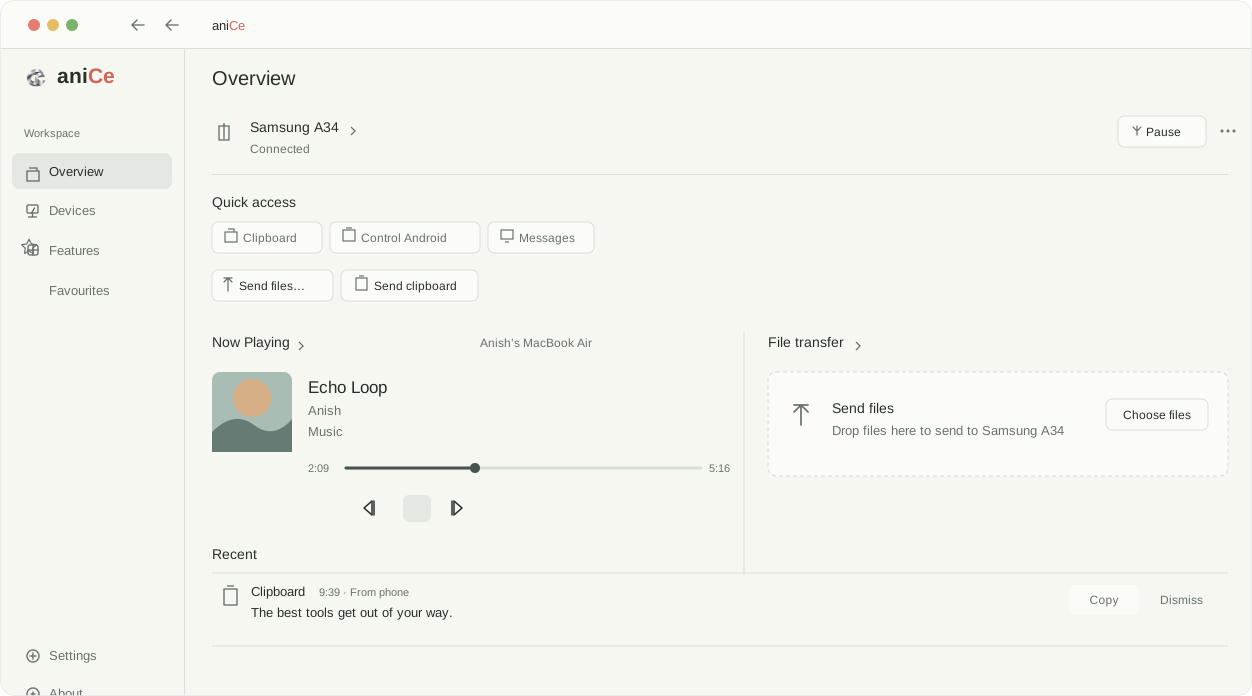
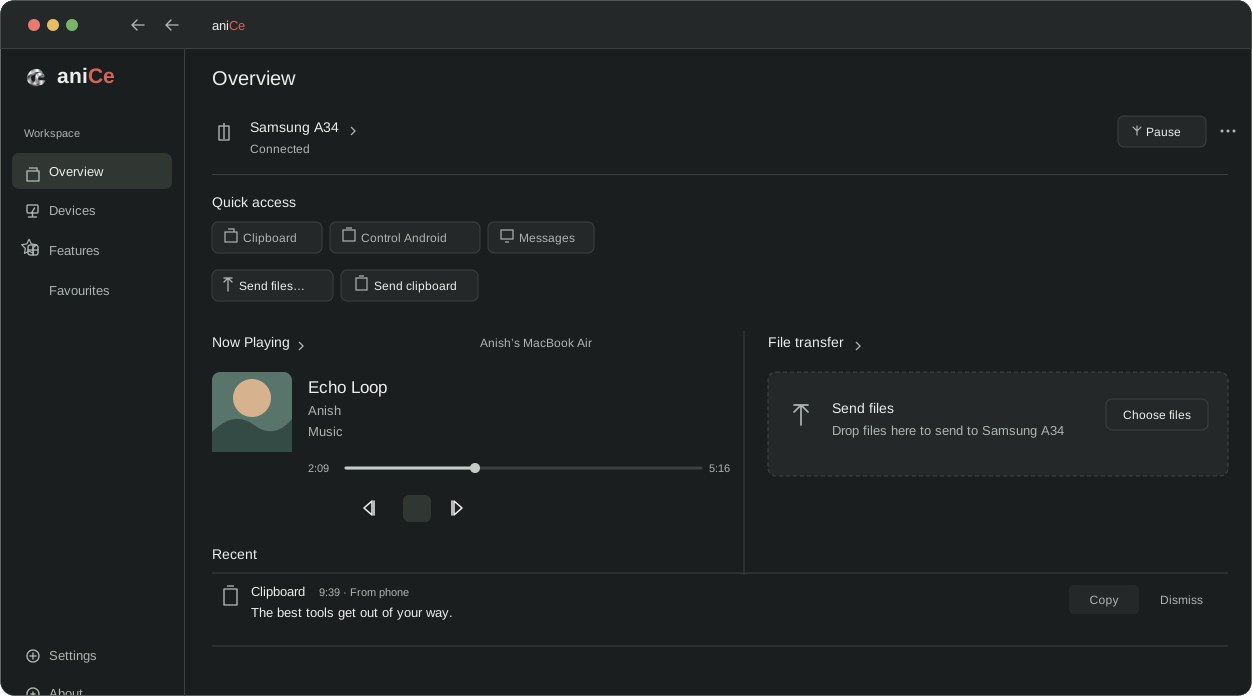
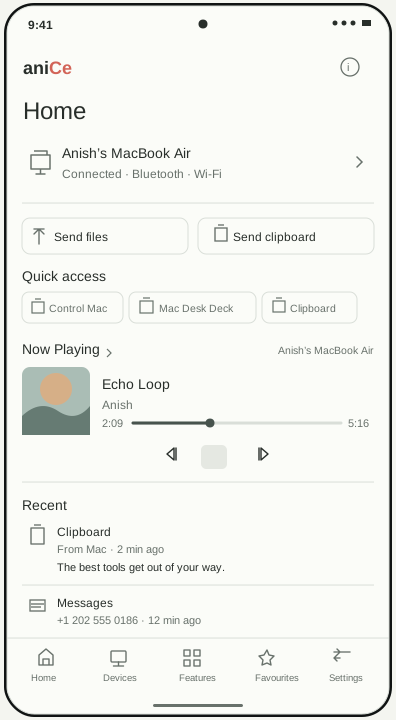
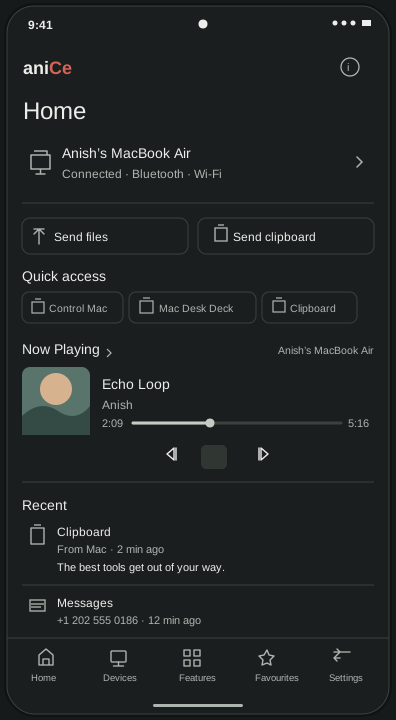
Select a file or text sample.
No real devices, files or clipboard access.
Mac overview + Android home · Design preview
18 features.
No features match .
Read and send text messages on your Mac using your Android phone’s mobile plan.
SMS setup ↗Send a Finder file to your phone without opening the aniCe window. Edge Drop is on by default at the right edge; change it or turn it off in File transfer settings.
File transfer setup ↗Use your phone to control Mac, or your Mac keyboard and trackpad to control Android.
Remote input setup ↗Choose the apps you want to see. Reply or use actions when the Android app supports them.
Notification setup ↗Sample previews; current builds may differ. Try the public beta on your devices.
Control Mac from Android or use your Mac keyboard and trackpad on a trusted Android phone.
Replies and actions depend on the Android app and device.
Sync runs from phone to Mac. Desk Deck’s DND button uses a separate Mac shortcut.
Android Home and the Mac menu-bar companion can show the connected device’s battery and charging state. On Android, Desk Deck also shows Mac power. A device may report battery information as unavailable.
Open Settings → Updates → Check for updates. Stable releases are selected by default; enable Include beta releases if you want beta updates. Published builds appear on GitHub Releases.
The browser preview uses sample data. Install the apps to use file transfer, Edge Drop and device controls. Get aniCe · Feature documentation.
Public beta · v0.9.0-beta.3
Install on your Android phone and Mac, then pair your devices. Free, open source, and no cloud relay.
brew install anisharyal09/tap/anice
Building from source? Mac guide ↗ Android guide ↗
Yes. Free and open source, with no subscription or required account.
We don’t collect your files, messages, clipboard content or usage analytics. No telemetry, no cloud relay. Your phone and Mac exchange content over authenticated, encrypted connections. Optional clipboard history stays on your device. The code is open source—feel free to audit it yourself.
Because, why not? If you love aniCe, you can leave an optional tip through BuyMeMomo, a Buy Me a Coffee alternative 🇳🇵.
Downloads and update checks use the internet. Device features communicate over Bluetooth and your local network.
You need Android 10+ and an Apple silicon Mac running macOS 14+. iPhone and Windows apps aren’t available. Some features need permissions or a supported media player.
Install aniCe on Android 10+ and macOS 14+, pair the devices, then choose Send files from either device overview. Select up to 128 local files. The receiving device asks for approval unless automatic receiving is enabled for that trusted sender. Android to Mac file transfer steps.
For faster transfers, use your local network rather than Bluetooth. When using Wi-Fi, prefer a 5 GHz connection with a strong signal; it can be faster than 2.4 GHz. Actual speeds depend on your router, devices and signal strength.
No. aniCe uses its own paired Android and Mac apps. Choose Send files, share from Android, or drag files on Mac. Receiving can be automatic for trusted devices. See the file transfer steps.
No. This is a browser preview using sample data. Native device features require the installed apps. File drops inspect local names and sizes; Copy buttons copy sample text. Current builds may differ.
There’s no analytics or account sign-in. Your appearance choice stays in your browser. External services such as GitHub and BuyMeMomo have their own privacy policies.
Android requires aniCe to have focus for automatic clipboard reading. You can still share text manually through Android’s sharing actions or aniCe’s focused Quick Settings panel. Clipboard history is a separate, optional setting.
SMS through your Android phone, with a SIM choice. Android SMS permission is required. RCS, MMS sending, iMessage and other chat apps aren’t supported. The Mac’s conversation copy clears when you disconnect.
Create an issue on GitHub, or email anish.creations.hq@gmail.com. Include your aniCe version, Android and macOS versions, and what happened. Keep private messages, pairing codes and file contents out of public reports.
Star the repo, share aniCe, report bugs or contribute code and docs. Tips through BuyMeMomo also help fund continued development.
Your tips and contributions help aniCe grow and keep development going. And it really means a lot.
Buy Me a Coffee alternative 🇳🇵